 ESPectre
Browser tools
Set up ESPectre, see motion live, or try it without a device.
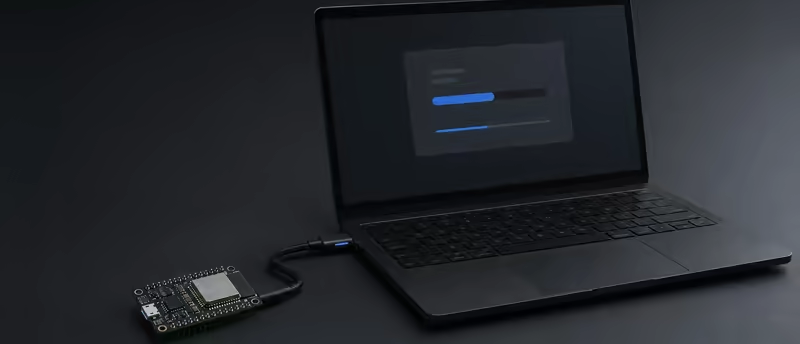
Install ESPectre
USBInstall ESPectre over USB, then connect it to Wi-Fi or pair it with Matter.
Install ESPectre →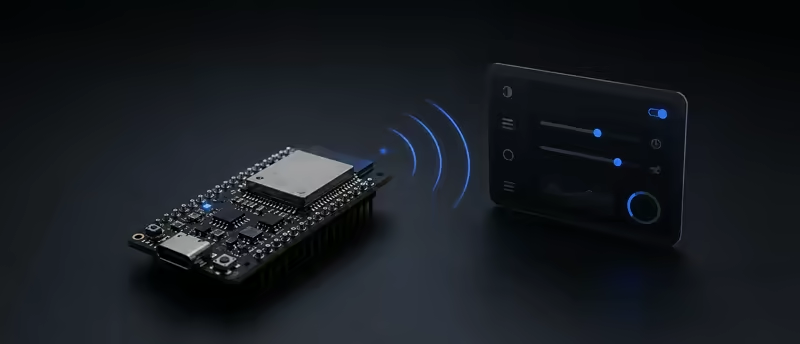
Device settings
WI-FIRename your device, check its Wi-Fi connection, or set up Home Assistant with MQTT.
Open device settings →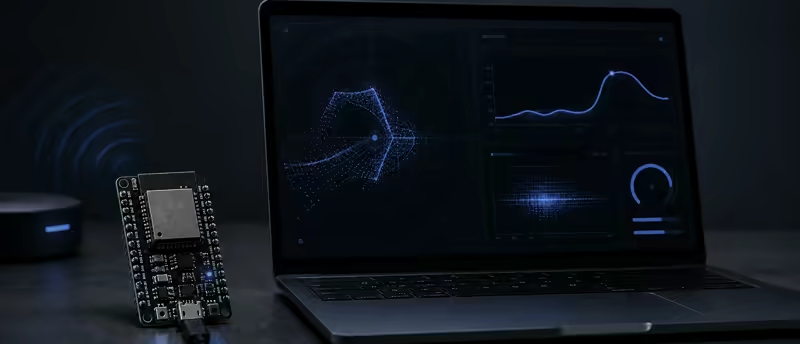
Live motion
WI-FISee motion as it happens, adjust detection, and check device health.
View live motion →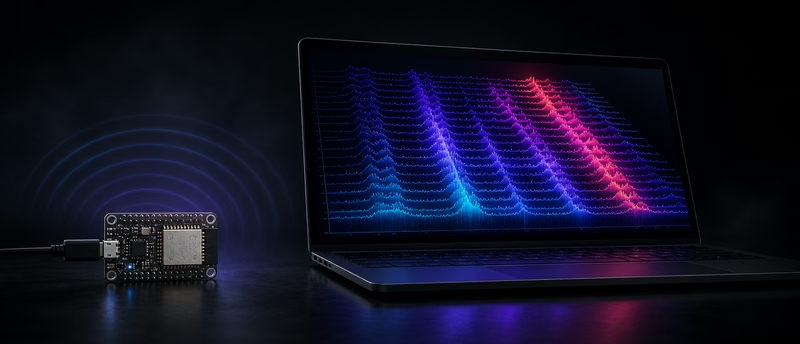
CSI visualizer
WI-FIExplore live Wi-Fi CSI through interactive signal visualizations.
Explore the signal →
Motion Game
WI-FIMove in front of ESPectre to help the Spectre fly through an endless course.
Play →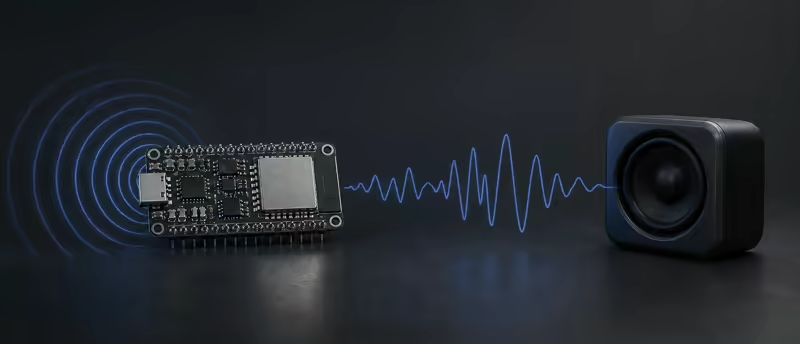
Motion theremin
WI-FITurn your movement into sound with a motion-controlled instrument.
Make sound →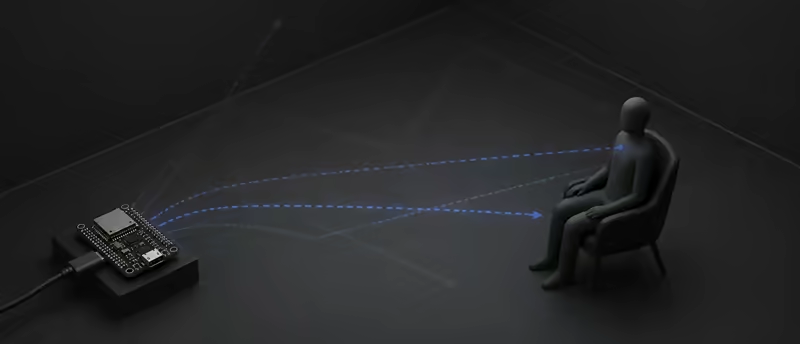
Presence detection
RESEARCHTest whether small movements can distinguish a quiet occupied room from an empty one.
See the research plan →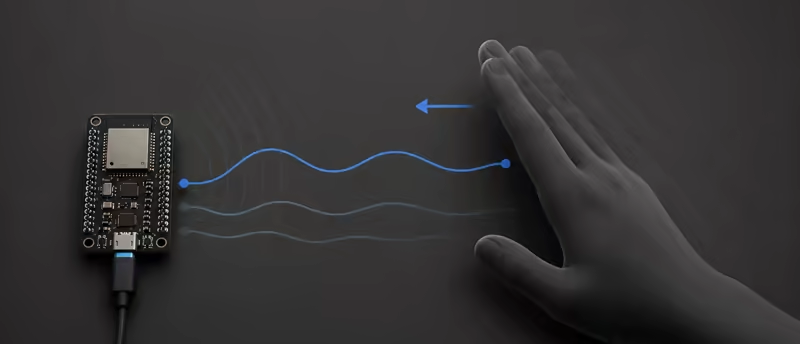
Breathing and gestures
RESEARCHStudy breathing-related movement and simple gestures as possible future capabilities.
See the research plan →