 ESPectre
Guides
Learn how Wi-Fi sensing works, set up your first sensor, then tune it for your room.
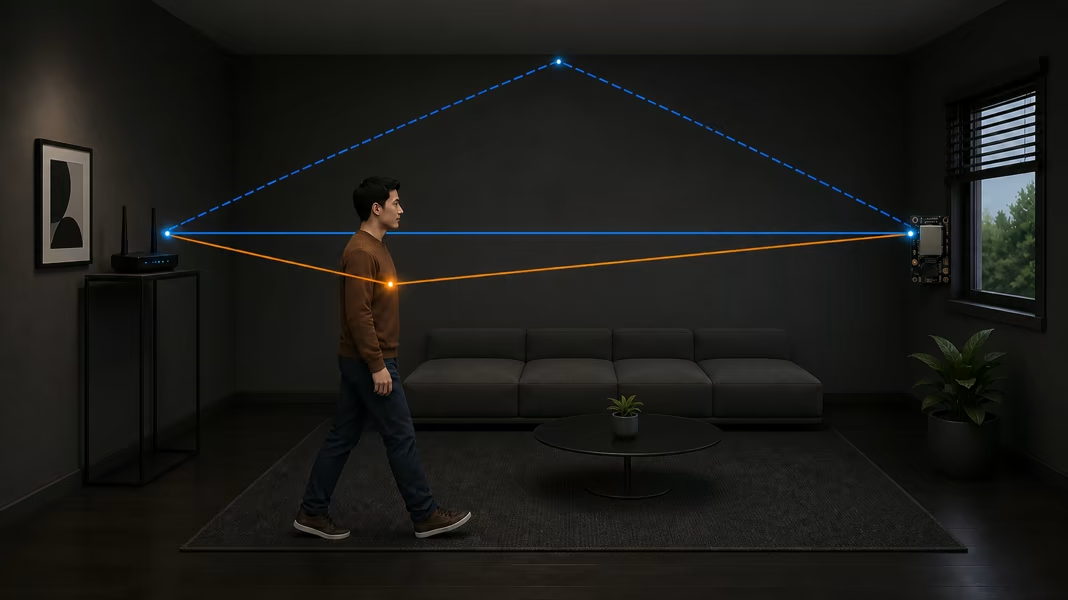
What is Wi-Fi sensing?
How it detects movement, what you need, and how to try it at home.
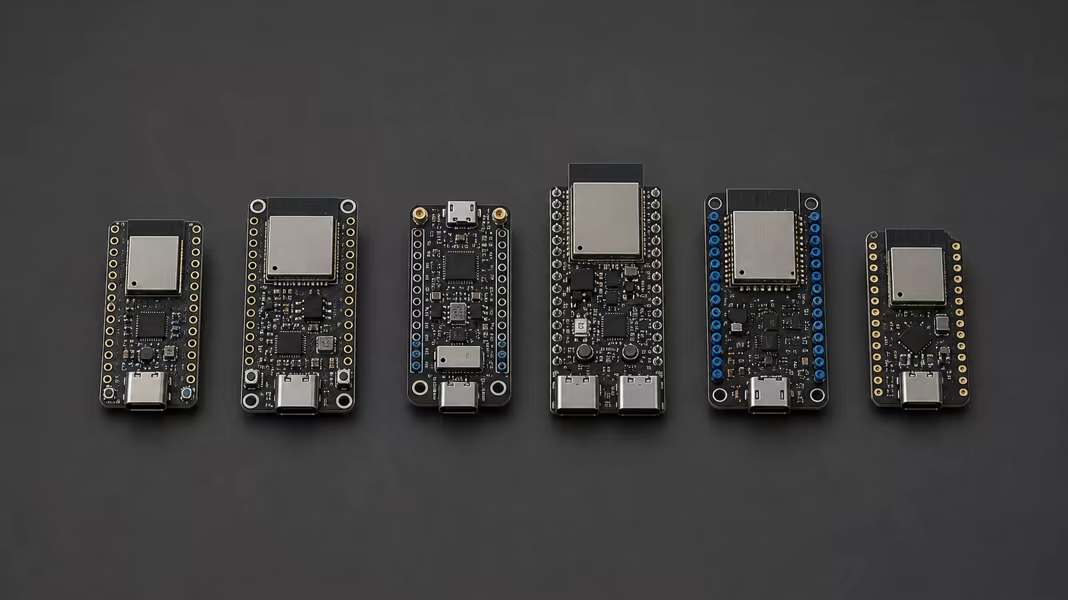
Choose your hardware
How to choose a compact board, antenna, and power supply.
Flash and set up your device
Install from the browser, connect to Wi-Fi, and add the device to Home Assistant.
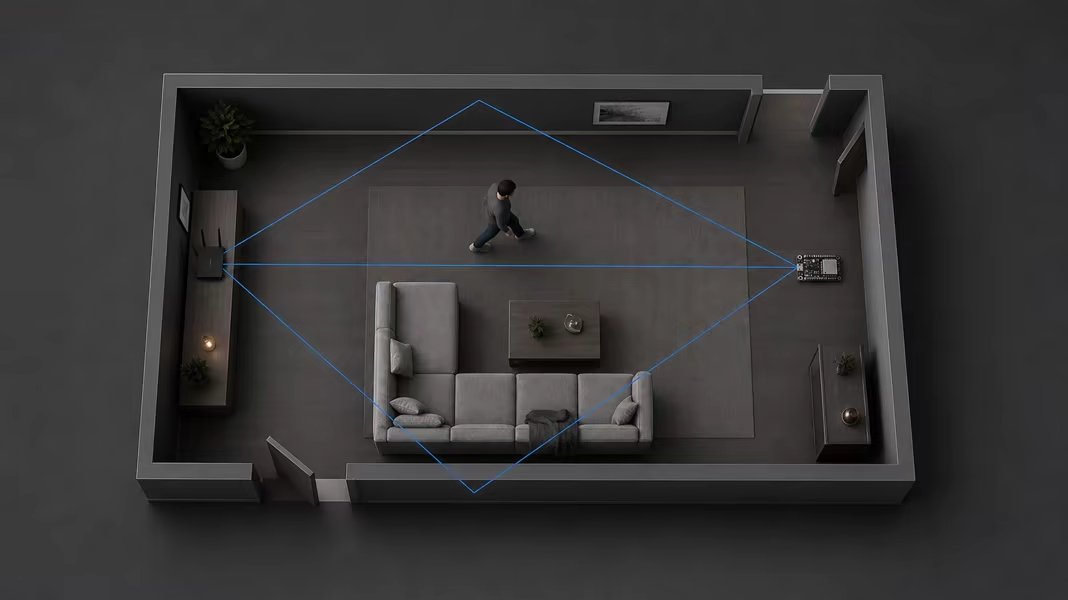
Place your ESPectre sensor
Distance, antenna orientation, obstacles, and a repeatable room test.
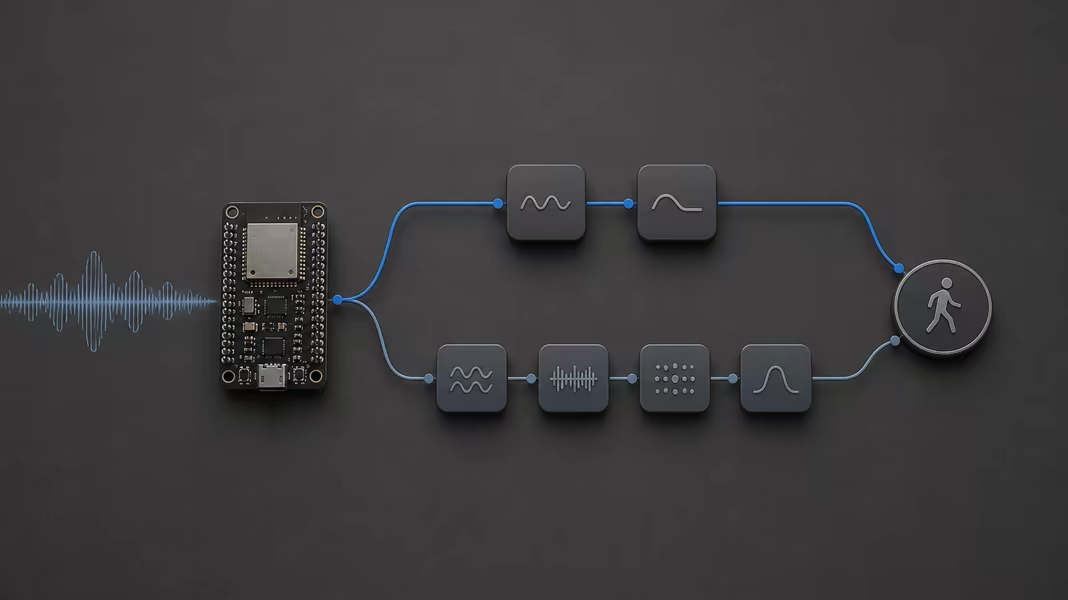
Choose your detection profile
Lightweight or High Accuracy: what each one costs and when to pick it.
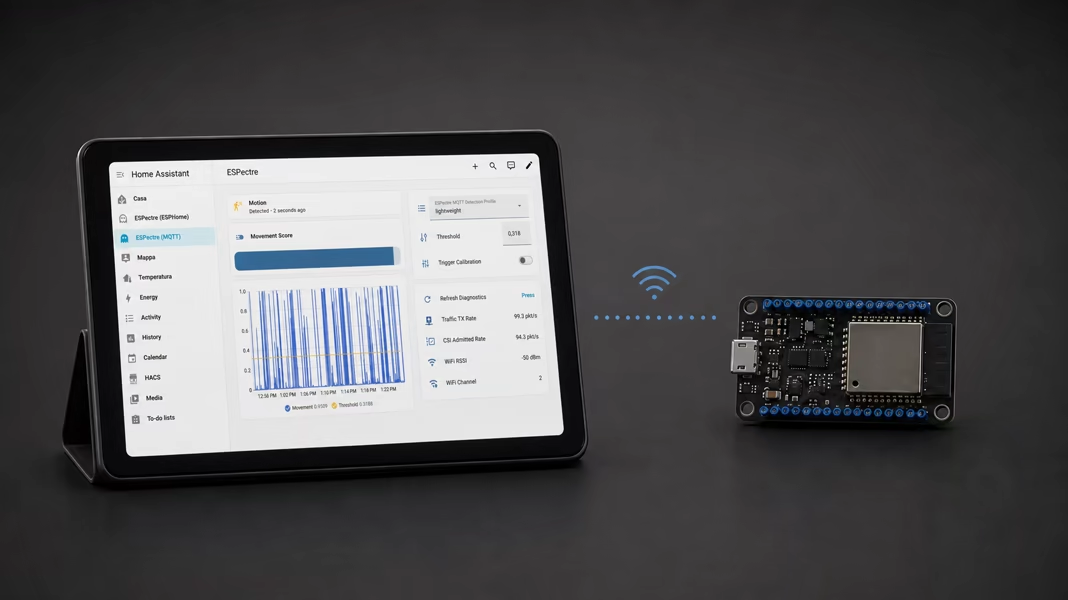
Build your Home Assistant dashboard
Build a dashboard for ESPHome or MQTT devices, and add the optional traffic generator app.
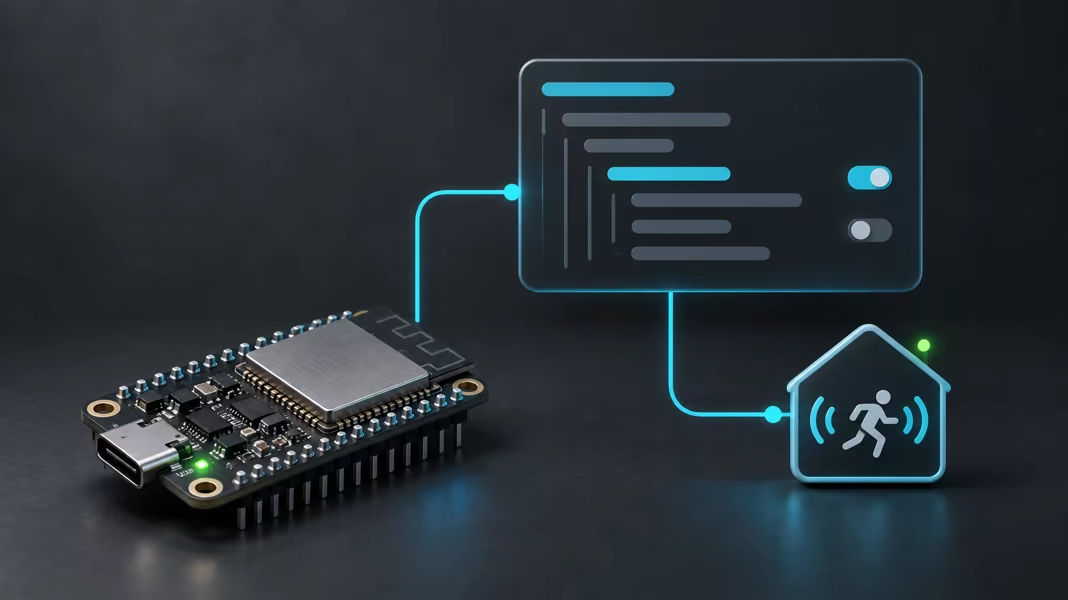
Use the component built into ESPHome
Add motion sensing to any ESPHome YAML, and see how it compares with the external component.
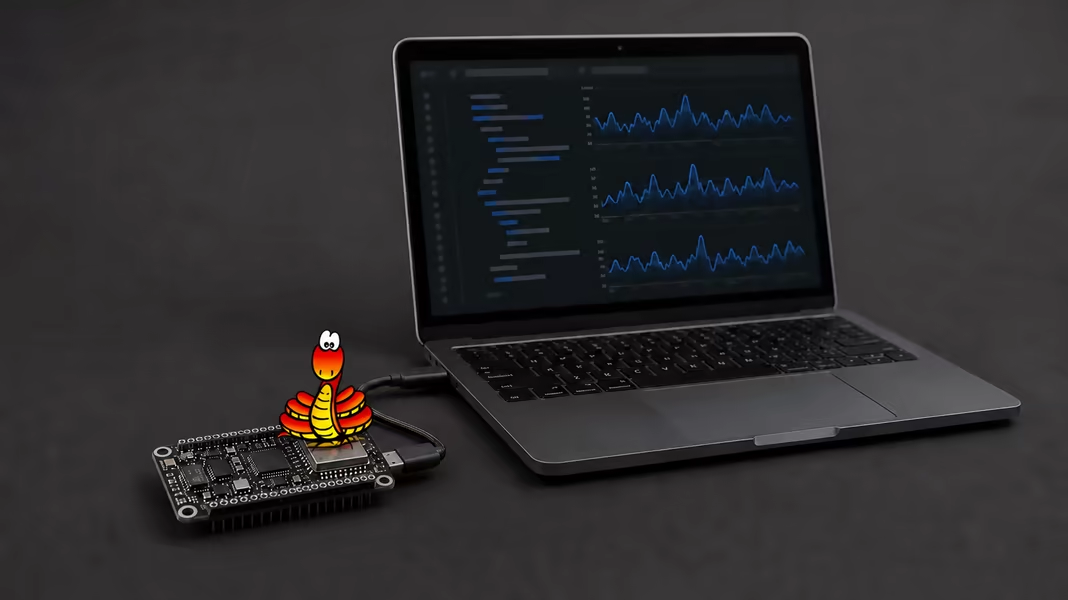
Run ESPectre on MicroPython
Capture CSI and detect motion in MicroPython, with the CSI support ESPectre added upstream.
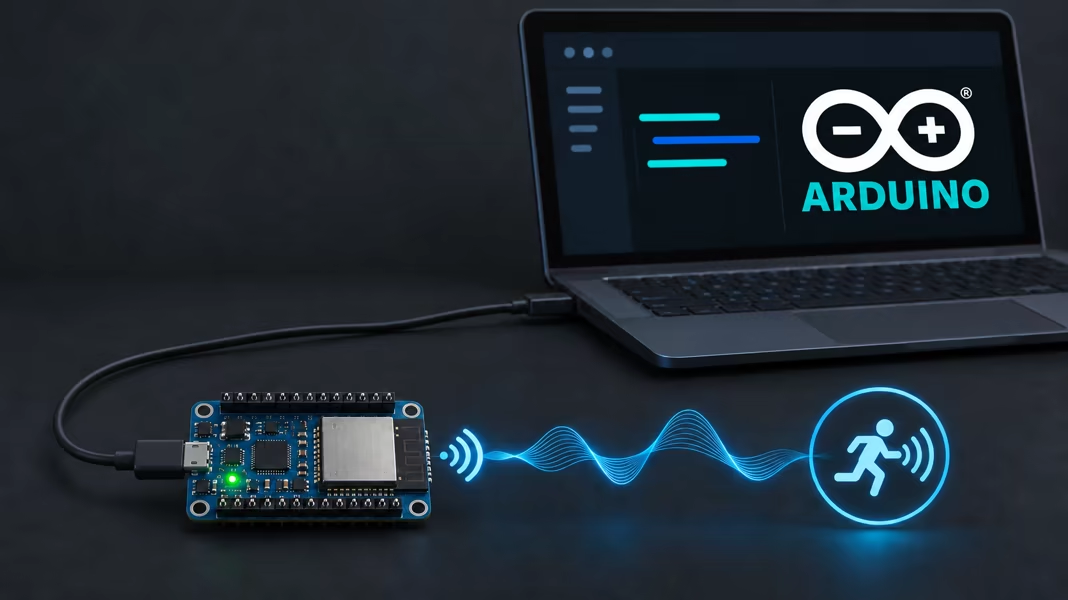
Add ESPectre to an Arduino sketch
Detect motion in an Arduino-ESP32 sketch, while your sketch keeps control of Wi-Fi.
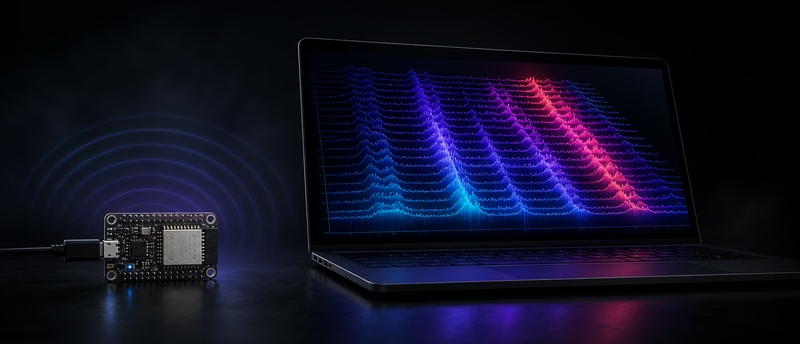
Collect CSI data for machine learning
Record labelled datasets, check capture quality, and contribute measurements from your room.

Troubleshoot your sensor
Fix calibration that never finishes, false or missed motion, and devices you can’t reach.
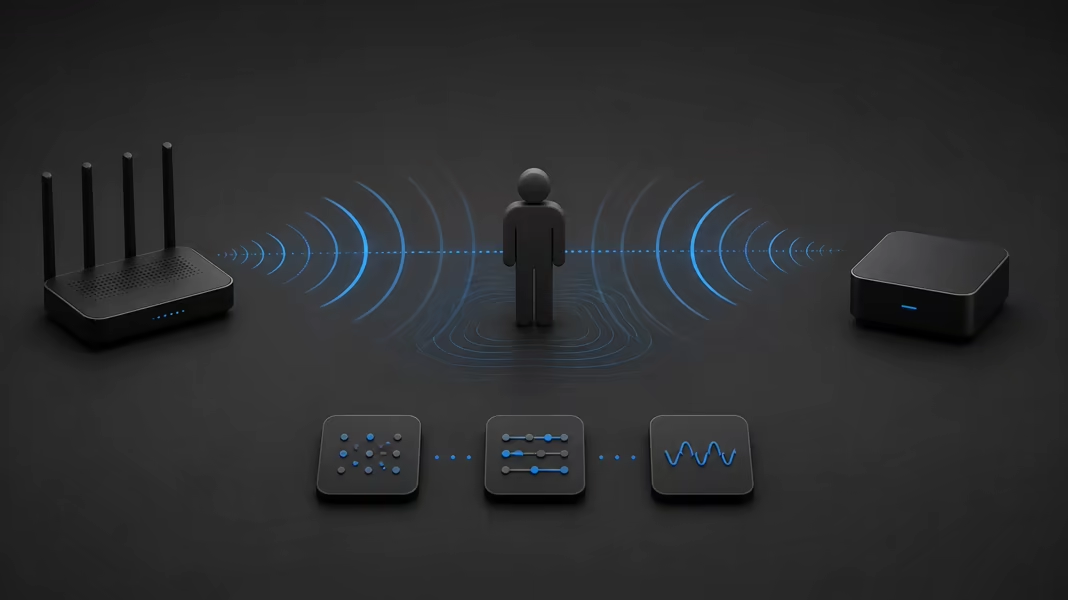
The future of Wi-Fi sensing
What IEEE 802.11bf adds to Wi-Fi, what it leaves open, and where it would fit in ESPectre.